
 UnderKB
Big image.
Small file.
Get your image under the limit.
Keep the detail that matters.
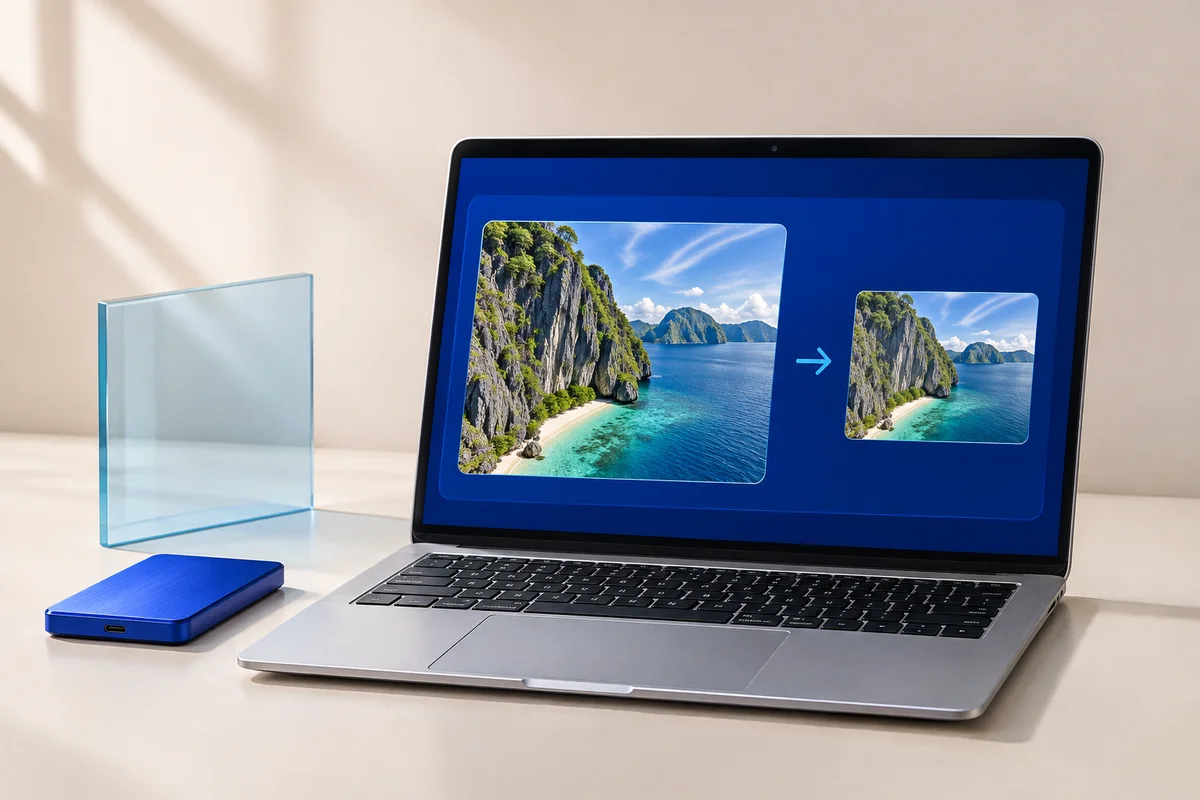
Image compressor
Runs in your browserA smaller file. All yours.
Three steps.
One less annoyance.
- 01
Drop it in
Add a photo, screenshot or scan. Your image stays in this browser.
- 02
Pick your limit
Choose 50KB, 100KB, 200KB, or type the maximum size your form accepts.
- 03
Download & go
Check the preview, download your image, and get on with your day.
For the form that
says “file too large.”
Application forms, profile uploads and website editors often set a maximum image size. Guessing at a compression slider means saving, checking, and trying again.
Dragon & Alloy AI adjusts the image quality to fit your chosen byte limit. When you allow resizing, it can also make the image dimensions smaller. It shows the actual result before you download, so you can check faces, text and small details.
Choose 50KB for stricter limits, 100KB for a compact file, or 200KB when you have more room for detail. Your form's own requirements always decide the right setting.
Small questions.
Clear answers.
Can I compress an image to exactly 100KB?
Choose 100KB and the tool looks for a version at or below 100,000 bytes. It targets a maximum rather than padding a file to an exact size. A slightly smaller result is normal.
Will my image still look good?
Compression can reduce detail. We search for a quality setting that fits the limit, and show a preview before download. Small text and fine patterns can become less clear at tight limits. Compare with the original and use a larger limit when possible.
Does this change the width and height?
Only if quality changes alone cannot meet the limit and “Allow resizing if needed” is selected. Uncheck it to keep the original dimensions. If the image then cannot fit, we'll tell you instead of downloading an oversized file.
Are my images uploaded or saved?
The compressor reads and processes images on your device. It doesn't upload them, save them to a server, or store them in your browser's persistent storage. Clear the image or close the tab when finished.
What formats can I use?
You can open JPG, PNG and WebP files up to 25 MB and 24 megapixels, and save as JPG or WebP. JPG doesn't support transparency, so transparent areas become white. Animated images are flattened to a still frame. HEIC, SVG and PDF aren't supported.
Is it free? Do I need an account?
It's free to compress and download your images, without signing up. No subscription, watermark or paid image-processing service is required.